


Use the default as a baseline
If the client offers a suggested route, keep it for the initial check. Save that result before deciding whether a manual change is needed.
Installation readiness, account access and destination availability are separate checks. Review each, then compare one unchanged task across connections.
System readiness / Account rights / Destination access
Do not infer compatibility from a filename alone. Review system settings, architecture and the supported distribution channel before choosing software.
The map shows a distribution concept, not live node status. Use the regions currently shown in the client, while accounting for local access and destination rules.

Record latency, loss and frame rate separately. Results gathered after changing the game server, access network and route together are not directly comparable.



Broken audio, upload failures and webpage timeouts can have different causes. Note when they occur and compare with a task containing no work data. Follow company network rules for business accounts.
Review fault recording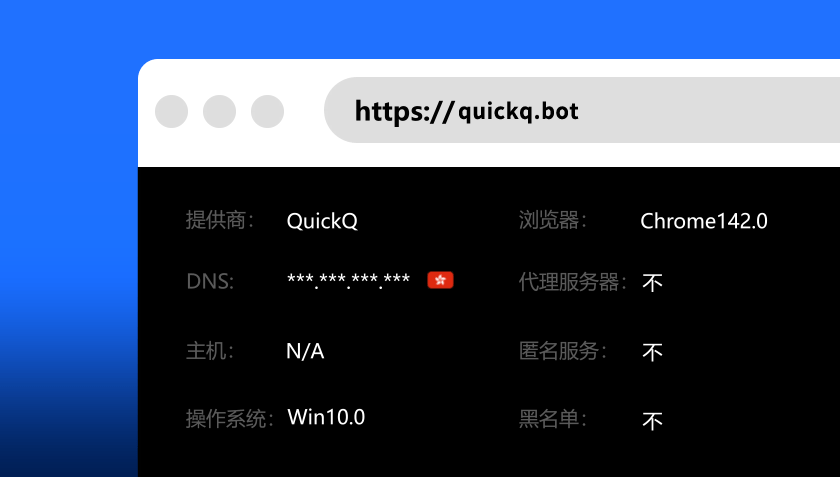

If the client offers a suggested route, keep it for the initial check. Save that result before deciding whether a manual change is needed.
Review the destination’s account and location requirements before choosing an exit region. Moving the exit does not grant extra account rights.
After the client reports a connection, complete a real task such as loading a webpage or joining a call. A status marker alone is insufficient.
Note the test time, access method and destination. Similar conditions make a before-and-after comparison more useful than unrelated results.
Give support error codes and versions, not passwords or private material from full logs. Check attachments for account and payment information.
Note the time and code before repeated attempts obscure the original conditions.
With the route inactive, test the same destination and another regular site to establish scope.
Keep local access unchanged and modify just one route or region setting before repeating the task.
Collect attempted steps and versions, remove personal material and send the summary to product support.
Keep a baseline for the usual network and repeat it when access changes rather than reusing old figures.
Check whether the network needs a captive portal. Do not enter product passwords on an unverified page.
Close unused sessions and review the current entitlement. Shared settings also require account-management checks.
The record need not contain browsing content. Keep the conditions, outcome and single change so a later review or support conversation has a clear basis.
| Field | Details to retain |
|---|---|
| Test conditions | Date and time, access method, system and app versions |
| Baseline result | Loading, latency and errors with the route inactive |
| Route result | Selected region, the same destination and test duration |
| Next decision | Reproducibility, the single changed setting and support needs |
Install on a trusted network and confirm that account access and security verification work.
Check local access and any login portal before deciding whether a route change is needed.
Close unused sessions, remove personal material from public hardware and review account status.
These marks identify payment brands, not confirmed checkout availability. Review the full-period total, currency and renewal rules, and retain the order record.


The status describes the client’s route, not the destination’s availability. Try another regular webpage, then check service maintenance, account rights and region rules.
Check whether the tests used the same destination and access network. Different times or servers are not directly comparable. Keep several comparable results and look for a consistent change.
Close sessions you no longer need and confirm that account verification is still available. The current subscription entitlement determines how many devices may connect together.
Do not treat disabling protection as a normal setup step. Check install privileges, the software signature and system requirements. Preserve unexplained warnings for product support.
Not necessarily. Checkout may charge for an entire period. Review the currency and renewal method, confirm the official order summary and read refund conditions before paying.
Start with the failure time, versions, error code and destination type. Do not send full browsing histories, passwords or verification codes. Remove personal material from attachments.